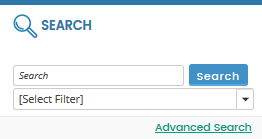
You can search for documents in the data room by entering the name of the document or the keyword(s) in the Search box.
Use the Advanced Search link at the bottom of the SEARCH panel to refine your search results. For example, you can search by index number or title of the document.
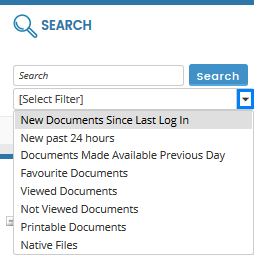
You can also use the pre-set filters [Search Filter] in the SEARCH panel to search or filter documents in the data room.