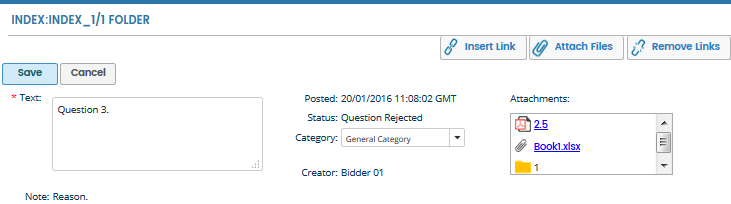
If a question is rejected by the Deal Team, the Bidder Participant who created the question or the Bidder Moderator can resubmit the rejected question.
Go to the Q&A tab and click the View button next to All Q&A activity to see the rejected questions (will be highlighted in red text).
Click the rejected question. Details of the question will be displayed at the bottom of the window.
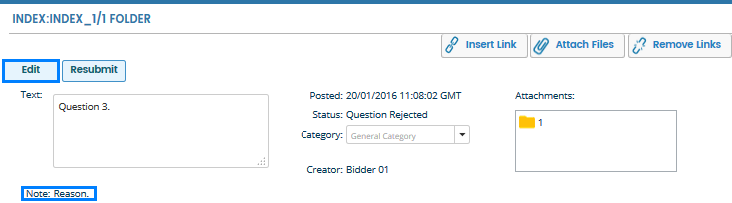
If a Deal Moderator has listed a reason for rejecting the question, text will appear in the Note: section at the bottom-left corner of the panel.
You can Edit and Resubmit the question using the respective buttons.
If you choose to Edit the question, this must be saved before clicking Resubmit.